- Best for
- Podcasters and interview-style shows
- Free option
- Free plan with limited transcription
- Pricing model
- Paid plans priced by media hours and AI features
Reference only, not verified
Overview
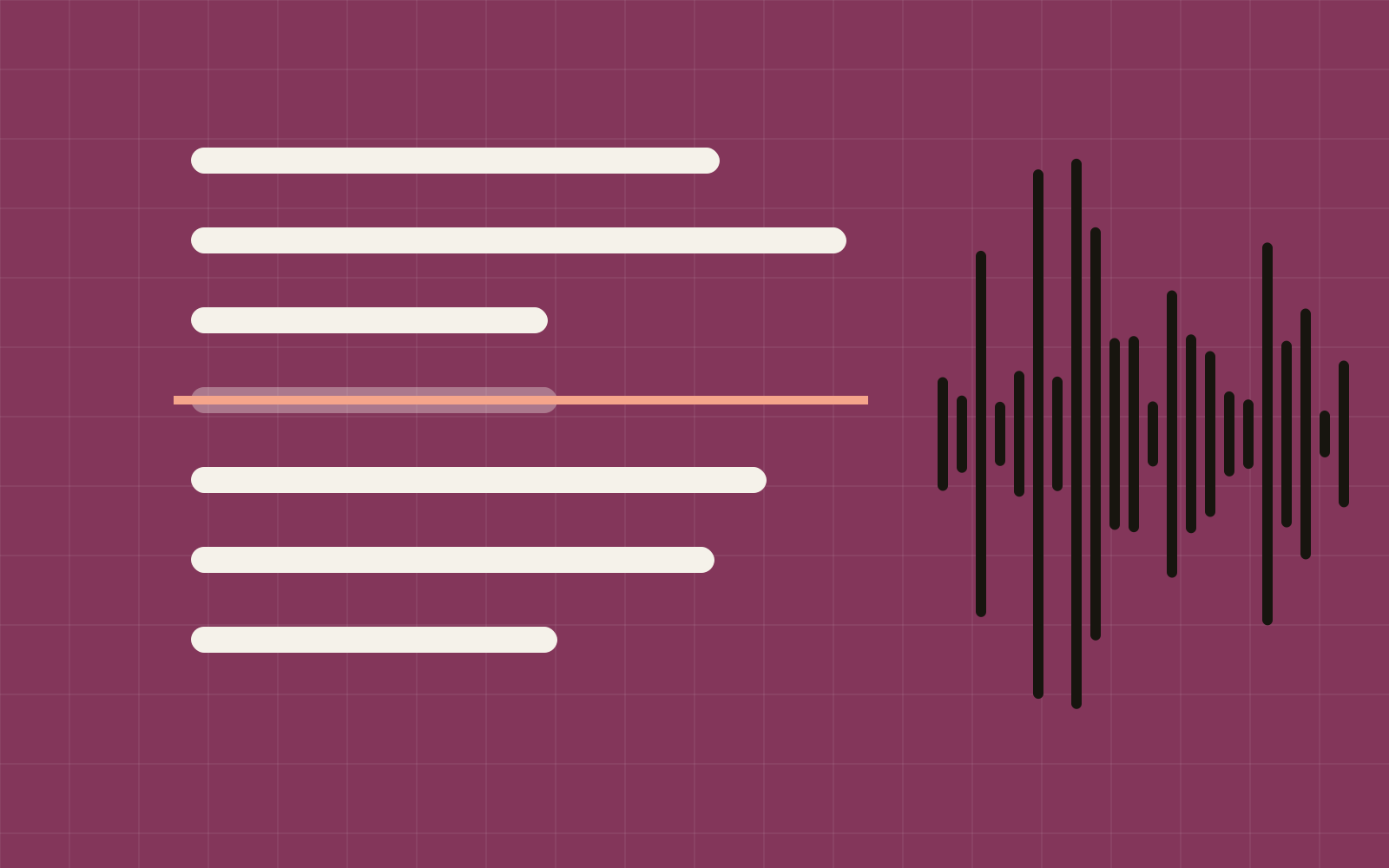
Editing is where solo video plans go to die. Descript transcribes your recording and lets you edit it like a document: cut a sentence in the text and it is cut from the timeline.
Add filler-word removal, AI clip suggestions for shorts and screen recording, and it covers most of what a talking-head creator needs.
What Descript does
Record or import audio and video, get an automatic transcript, edit by text, remove ums and pauses, add captions and export clips for social.
Strengths and weaknesses
Strengths
- Text-based editing is fast and intuitive
- One-click filler-word and silence removal
- Turns long recordings into short clips
- Built-in screen recorder for tutorials
Weaknesses
- Can feel sluggish on very long projects
- Fine-grained timeline control is weaker than a traditional NLE
- Transcription hours are capped by plan
Who it's for
A good fit if you are…
- Podcasters and interview-style shows
- Course and tutorial creators
- Repurposing long videos into shorts
Skip it if…
- Your videos are mostly b-roll, music and effects
- You are already fast in Premiere, Final Cut or DaVinci
Pricing (reference)
- Free option
- Free plan with limited transcription
- Paid plans
- Paid plans priced by media hours and AI features
Verdict
4.2/5If you record yourself talking, Descript can cut your editing time dramatically. Pure motion-graphics work belongs elsewhere.
Try DescriptAlternatives to consider

DisclosureSoloTools is reader-supported. Buttons that take you to a tool may be affiliate links, which can earn us a commission at no extra cost to you. Prices are reference figures, not quotes. Read the full disclosure.